AI
Install the plugin
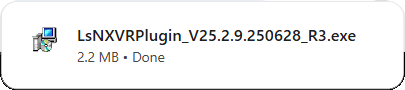
If prompted, click the link to download the plugin. This downloads file to your computer's Downloads folder.
Once the download is complete, close your web browser. and run the plugin.
Update firmware
-
Visit this link to download the firmware to your machine.
-
Log in to the NVR via OvrC's web connect feature.
-
In the top navigation, click Maintenance.
-
Click Upgrade.
-
In the Upgrade section, click Browse.
-
Navigate to and select the proper firmware file.
The upgrade process takes up to 10 minutes. Do not turn the power off during this period. The device automatically reboots after upgrading.