
PRO E SERIES 2 4K UHD LED 24/7 DISPLAY
Models covered in this guide:
-
V2-P43ES2
-
V2-P50ES2
-
V2-P55ES2
-
V2-P65ES2
-
V2-P75ES2
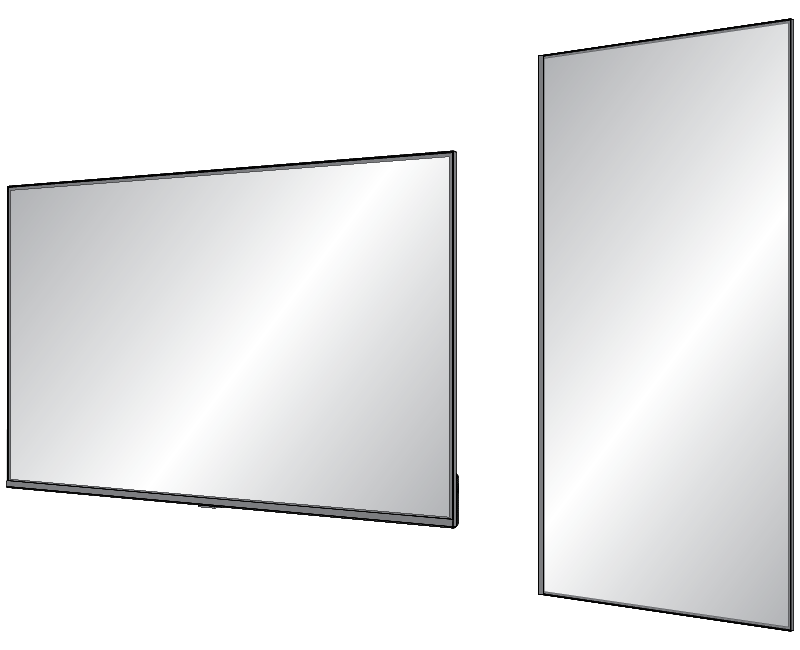
Indoor liquid crystal display with anti-glare screen with local video and digital signage playback for landscape and portrait installations.
READ THIS!
Note: To turn on this display using IP or RS-232 control, it may be done so from sleep mode only. If the display is powered OFF, it cannot be turned back on using IP or RS-232 control.
To prevent the display from being powered off by mistake, configure the following settings:
-
Go to Settings > Power Management > Energy Saving By. Select Sleep from the drop-down.
-
Go to Settings > Power Management > Power Button. Select Sleep from the drop-down.
When you use IP / RS-232 commands to shut down the display, be sure to issue the Sleep command and not the Power Off command.
Note: Known issue: If the display is in sleep mode, the discreet power on IR command will not wake the display. You must use the control system power toggle command to wake the display.
For firmware version: V8-MT679EU-0010019
261118